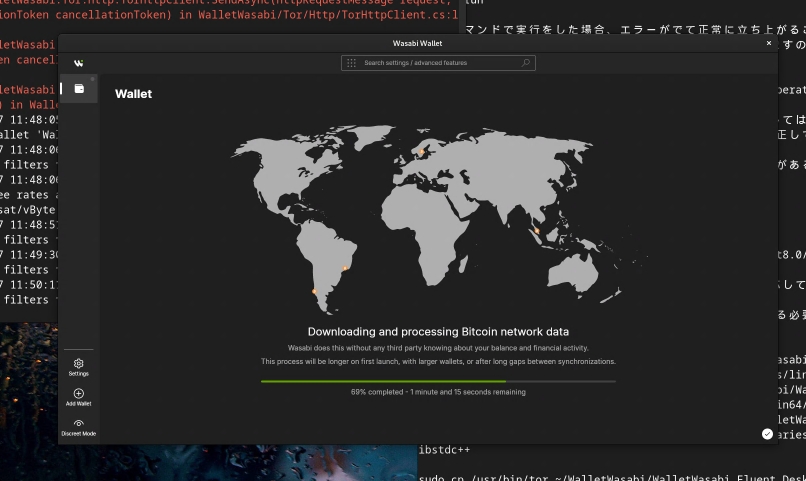
Installing WasabiWallet on Arm64 Linux Environment
This article is a translation of the following my article:
Original: Arm64 Linux環境でのWasabiWalletのインストール方法
* Translated automatically by Google.
* Please note that some links or referenced content in this article may be in Japanese.
* Comments in the code are basically in Japanese.
by bokumin
Installing WasabiWallet on Arm64 Linux Environment
Introduction
This page explains how to install and run Wasabi wallet on Linux system (debian) with ARM64 architecture. It also includes solutions for cases where the normal installation method does not work, so please use this as a reference.
手順
First, install the .NET SDK.
wget https://dot.net/v1/dotnet-install.sh -O dotnet-install.sh
chmod +x dotnet-install.sh
./dotnet-install.sh --channel 8.0
dotnet --version
Once installed successfully, add the following line to your .bashrc file
export DOTNET_ROOT=$HOME/.dotnet
export PATH=$PATH:$DOTNET_ROOT:$DOTNET_ROOT/tools
Next, we will obtain the Wasabi wallet source code and build it.
git clone https://github.com/zkSNACKs/WalletWasabi.git
cd WalletWasabi/WalletWasabi.Fluent.Desktop
dotnet run
If it passes without any errors, you’re done.
Troubleshooting
If Tor startup fails as shown below
[1] CRITICAL Program.Main (79) System.InvalidOperationException: No attempt to start Tor was successful.
This error occurs when TOR is already running in the background. This can be resolved by terminating the service or using pkill.
You can also modify ~/.walletwasabi/client/Config.json as follows to avoid conflicts with existing Tor processes in the future.
"UseTor": "EnabledOnlyRunning",
まとめ
With these steps, you should be able to run Wasabi wallet on ARM64 Linux environment. If the problem persists, please check Wasabi Wallet’s github.